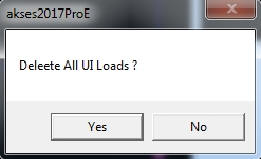
Click on the member whose U.I Load is to be deleted.
List of U.I. loads,with selected member highlighted, becomes visible.
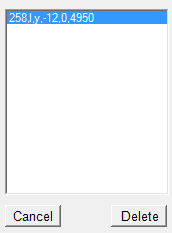
'#' represents member number.
'l' / 'g' represents local / global co-ordinate system.
'x' / 'y' / 'z' represents axis of direction of load.
'w' represents Intensity of Uniformly Distributed Load..
'a' represents distance from origin joint.
'b' represents distance from origin joint.
Select U.I. Load you want to delete.
Hold down [ctrl] key and Click on Delete U.I. Load.